Product Overview
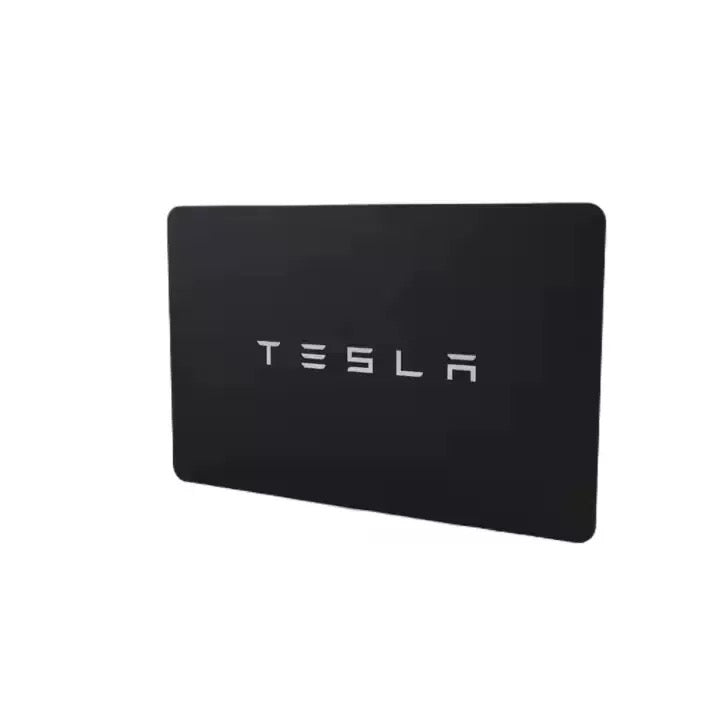
This intelligent key card is a high-quality replacement NFC access card designed for Tesla Model 3 and Model Y vehicles. It enables fast, secure, and convenient vehicle unlocking and starting functions through RFID/NFC technology. Built for durability and stable performance, it serves as a reliable replacement for damaged, lost, or malfunctioning original key cards.
Manufactured with precision chip technology, this key card ensures smooth compatibility with Tesla’s authentication system, offering consistent performance for daily use.
Key Features
- Smart NFC/RFID key card for Tesla vehicle access
- Direct replacement for original Tesla key card system
- Fast response for unlocking and starting the vehicle
- Compact, lightweight, and easy to carry in wallet or pocket
- Stable chip performance with strong signal recognition
- Durable ABS + electronic chip construction
- No battery required – passive smart card design
- Ideal backup or replacement for lost/damaged key cards
Product Specifications
| Item | Details |
|---|---|
| Product Name | Tesla Intelligent Key Card |
| OE Number | 1131087-00-G / 1131087-00-J |
| Material | High-quality ABS + NFC chip |
| Technology | RFID / NFC passive smart card |
| Condition | Brand New |
| Purpose | Replacement / Repair |
| Color | As shown in pictures |
| Brand | Chipin Source |
| Origin | Guangzhou, China |
| Function | Vehicle unlocking & authentication |
Vehicle Compatibility
| Brand | Model | Year Range |
|---|---|---|
| Tesla | Model 3 (5YJ3 / 1st Gen) | 2019–Present |
| Tesla | Model Y (5YJY) | 2019–Present |
| Tesla | Model 3 Performance | 2019–Present |
| Tesla | Model 3 / Model Y (Updated Platforms) | 2021–2023 |
| Tesla | Model Y AWD / RWD / Performance | 2021–Present |
Note: Please confirm your original key card part number before purchase to ensure compatibility.
Package Includes
- 1 × Tesla Intelligent Key Card (Replacement)
Installation / Usage
No programming is required in most cases. Simply follow Tesla’s standard key card pairing procedure inside the vehicle:
- Open vehicle settings on the central screen
- Navigate to Key Card pairing mode
- Place the new key card on the center console reader
- Follow on-screen instructions to complete pairing